 OhStamp
PHOTO PRESS FOR IPHONE
Make photo stamps on iPhone.
Turn what you see into a postage-style stamp. The live camera fills the screen behind the metal press. Frame a moment inside the die, then hit PRESS.
Coming to the App Store · Five free creations
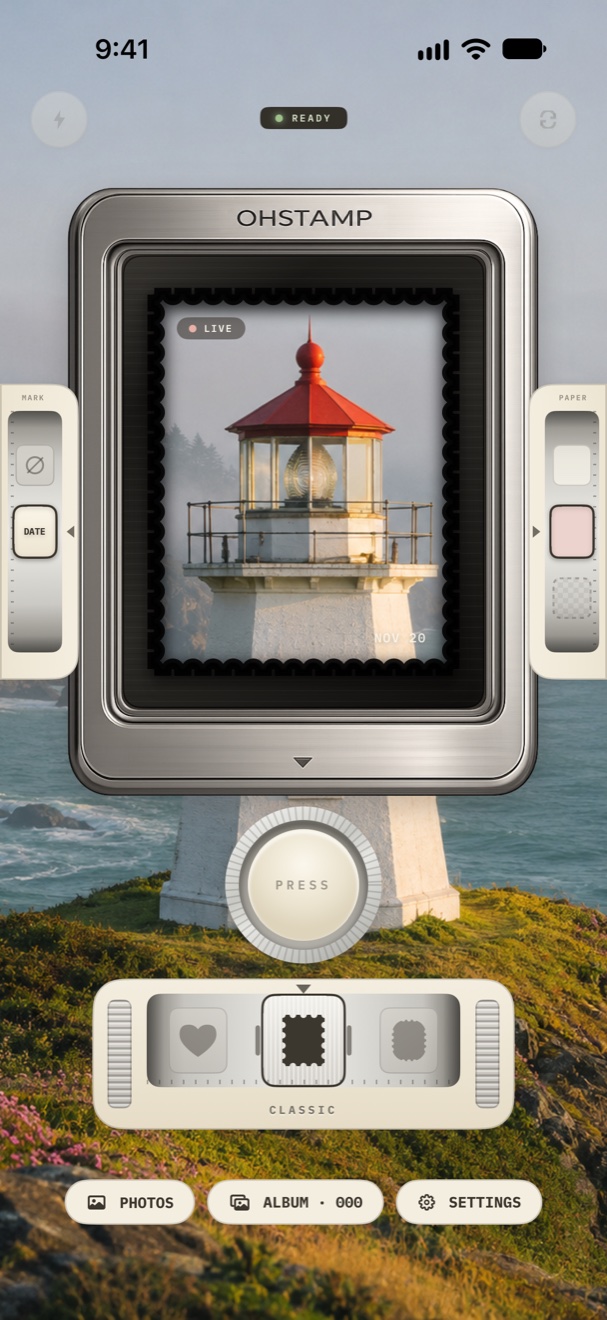
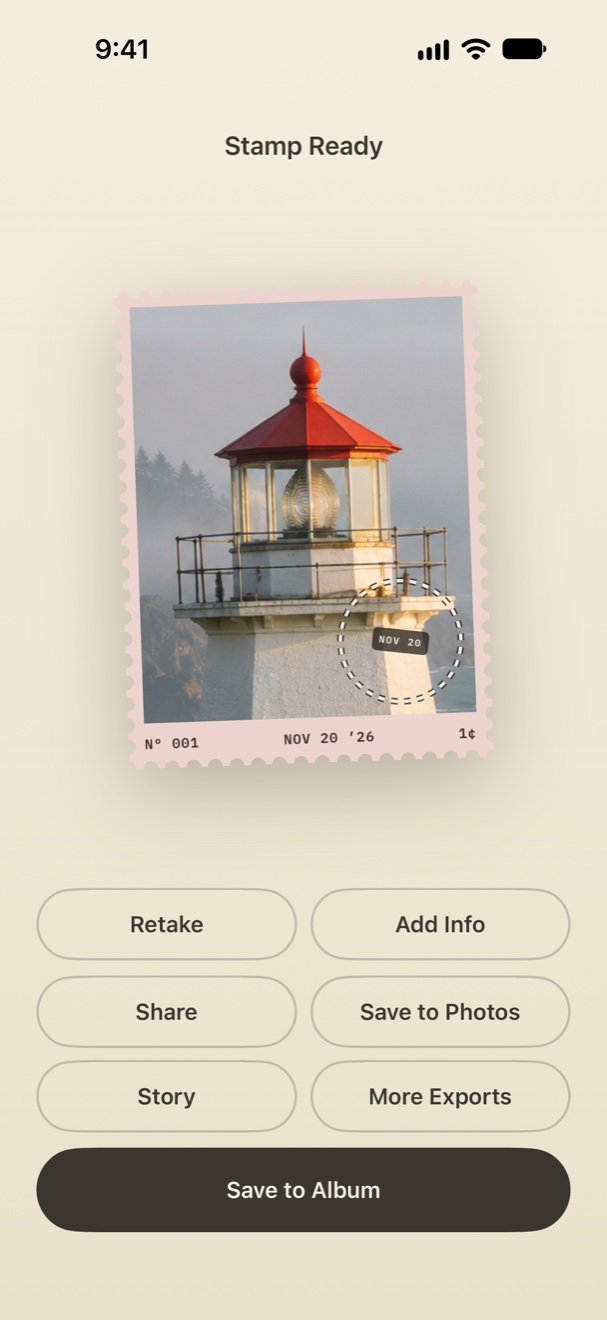
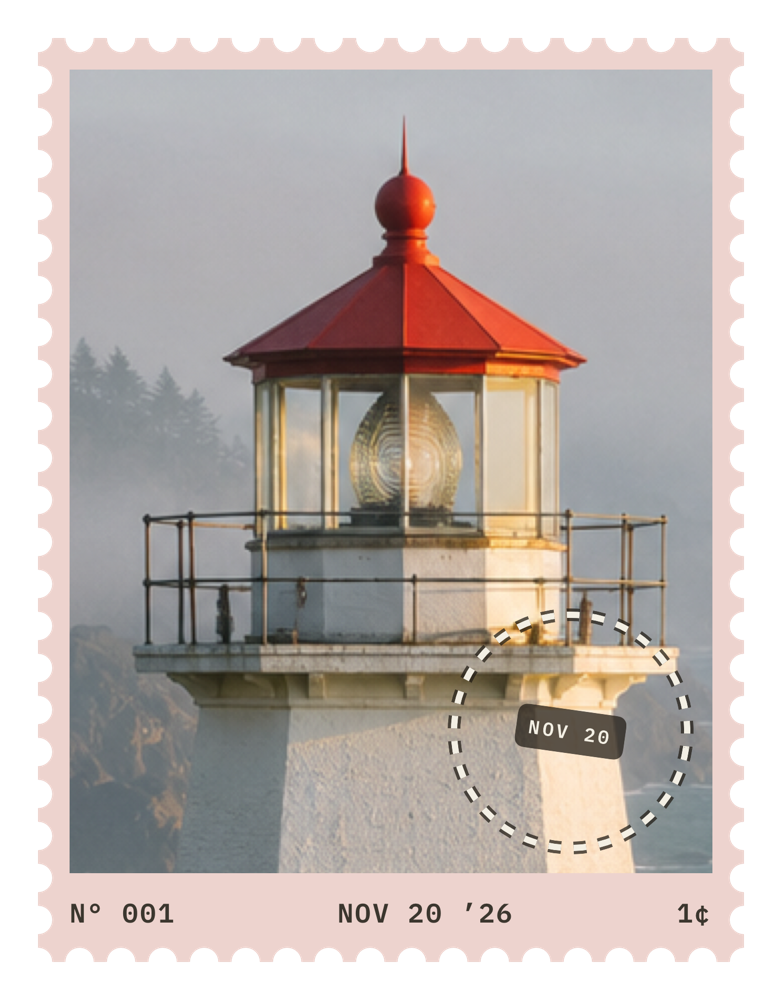
Live camera mode · Sample scene
DIE · PAPER · MARK
Three dials.
Your stamp.
Give each photo stamp its own look. Pick a stamp shape, then choose a paper color and add a postmark.
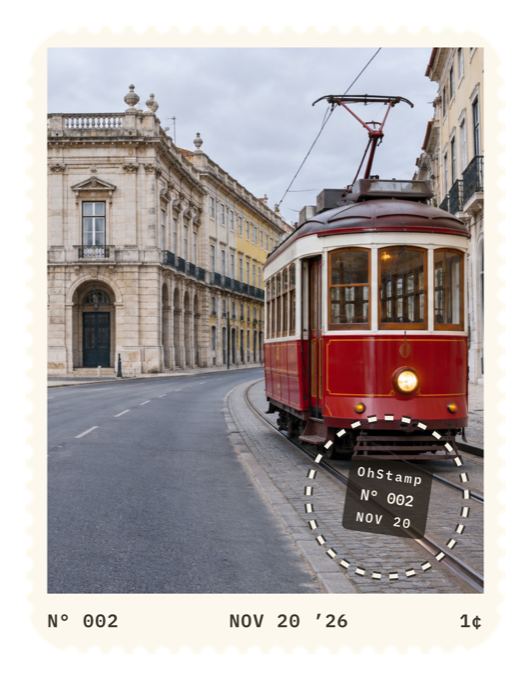

Keep it or send it.
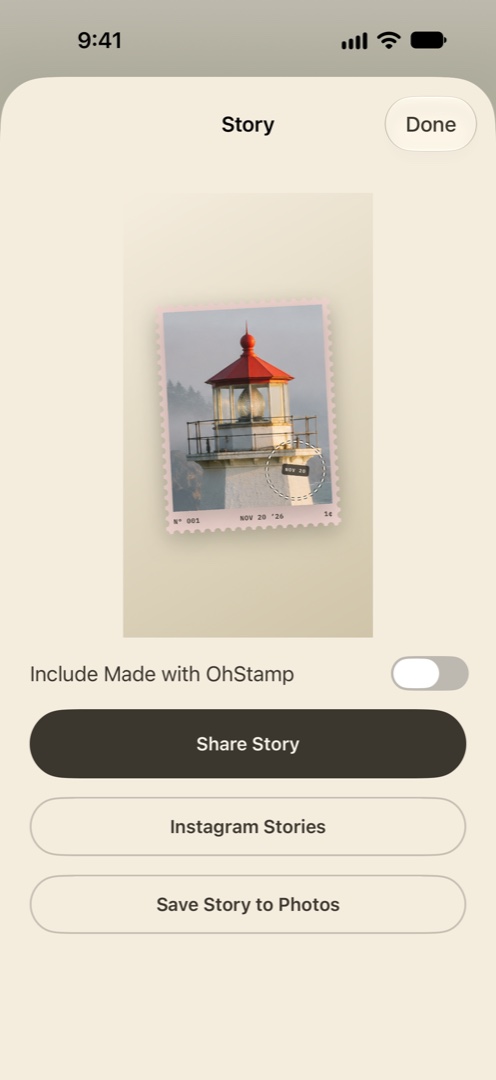
Save what you make in your private stamp album, with a name, note, or city if you like. Share the stamp as an image or make a vertical Story for Instagram and other apps.
How OhStamp handles your photos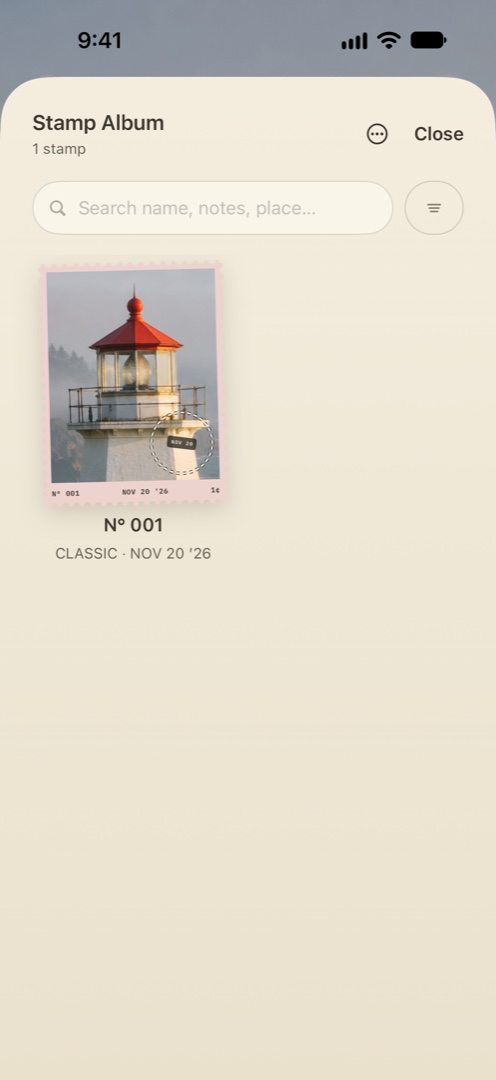
How to turn a photo into a stamp
Frame your photo
Use the live iPhone camera or pick a picture from Photos. Move or zoom an imported image, then tap Use Crop.
Set the die, paper, and mark
Choose a perforated, rounded, or heart-shaped cut. Change the paper color and add a date mark.
Press, save, or share
Tap PRESS to cut out the photo. Save it to your stamp album or export a portrait Story to share.
OhStamp Pro
Start with five free creations. Unlock unlimited stamps, every standard style, custom albums, and Pro exports with one purchase.